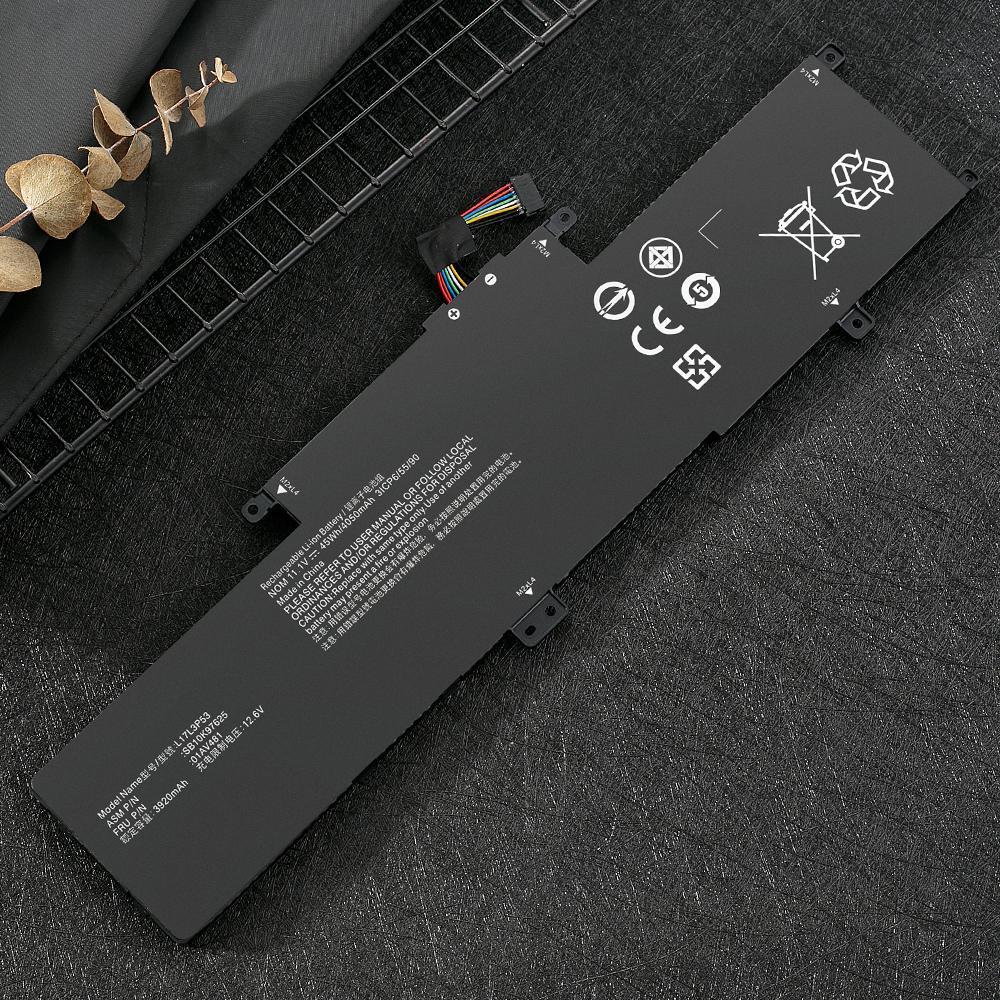
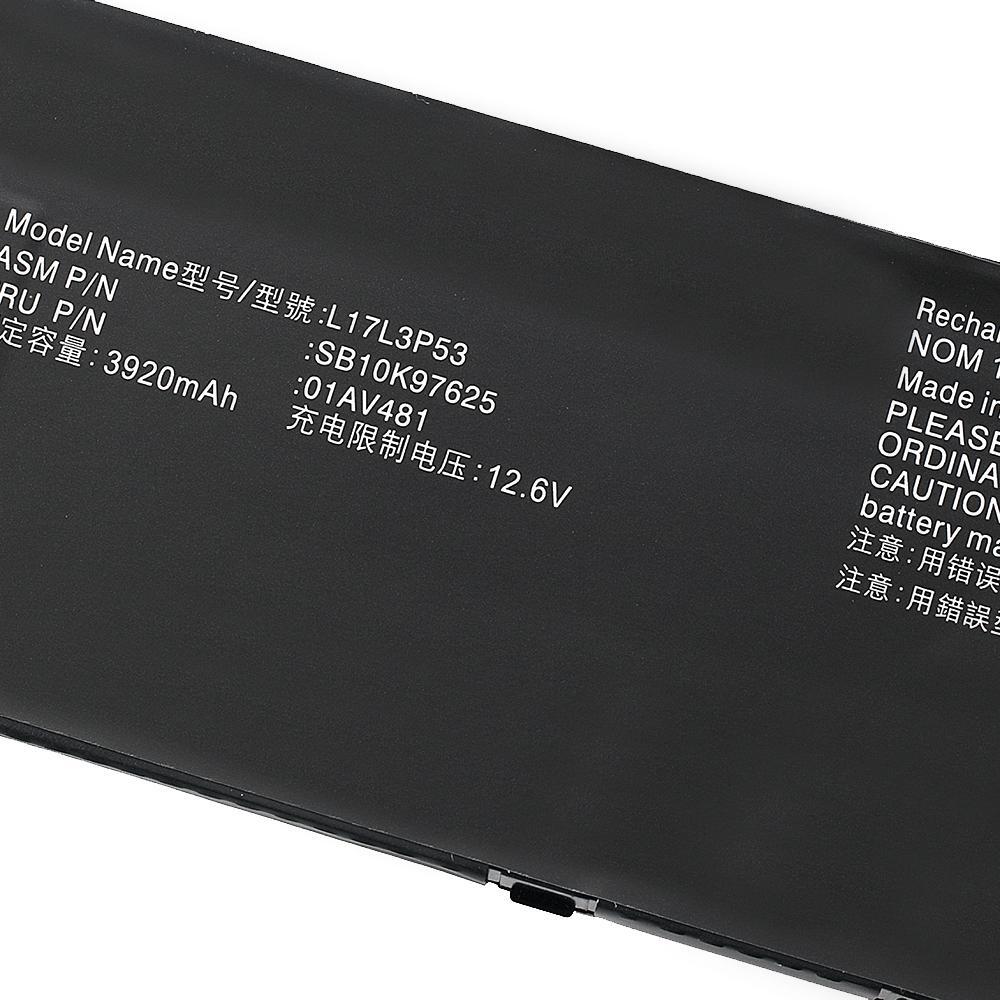
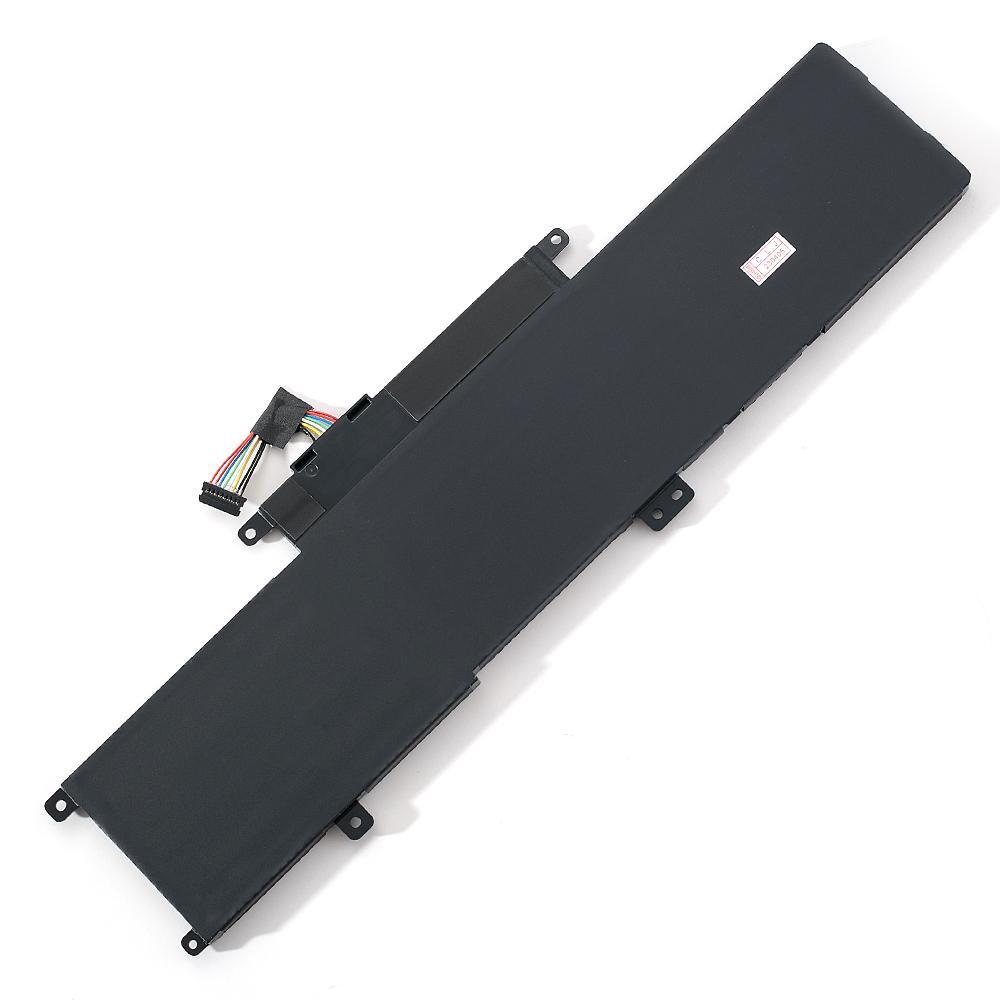
L17L3P53 01AV483 01AV481 Battery for Lenovo ThinkPad L380 L390 Yoga L17M3P55
Check the listing for details.




| Location | Los Angeles, California US |
| Shipping | USD 0 · Flat |
| Seller |
2bolineng
100% positive · 38 feedback
|
| Listing | FixedPriceItem · Active |
| Start time | 2024-08-08T03:15:16.000Z |
| End time | 2024-09-08T03:15:16.000Z |
| Time left | P8DT10H25M48S |
| Return shipping will be paid by | Seller |
| All returns accepted | Returns Accepted |
| Item must be returned within | 30 Days |
| Refund will be given as | Money back or replacement (buyer's choice) |
| Battery Capacity | 45Wh |
| Battery Type | Li-Ion |
| Brand | Unbranded |
| Color | Black |
| Compatible Brand | For Lenovo |
| Compatible Model | Fit for Lenovo ThinkPad L380 Series, Fit for Lenovo ThinkPad L380 Yoga Series, Fit for Lenovo ThinkPad L390 Series, Fit for Lenovo ThinkPad L390 Yoga Series |
| Compatible Product Line | For Lenovo ThinkPad |
| Manufacturer Warranty | 1 Year |
| Number of Battery Cells | 3 |
| Type | AC & DC |
| Voltage | 11.1V |
Specification: Battery type:Li-ion Voltage:11.1VCapacity: 45Wh 4050mAhCells: 3-Cell Condition:
Brand New, A grade cells,100% Compatible! Package Includes:1x Battery1x Tool Kit Replacement for Part Number:L17M3P55 01AV482 SB10K97626 L17L3P53 01AV481 SB10K97625 L17C3P53 01AV483 SB10K97627Compatible Models (use "Ctrl+F to find your model quickly")Fit for Lenovo ThinkPad L380 SeriesFit for Lenovo ThinkPad L380 Yoga SeriesFit for Lenovo ThinkPad L390 SeriesFit for Lenovo ThinkPad L390 Yoga Series Our batteries are UL/CE-/FCC-/RoHS certified for safetySafety and Excellence Features:No memory effect, fast charge * Low power consumption IC design * Tested with strict quality control standards * Over-charge protection * Over-discharge protection * Over-heat protection * Over-current protection * Short-circuit protection * High capacity circulatory functionHow to check your laptop model?Method 1: Use System Information to find your laptop model1.Press Windows + R2. Type "msinfo32", then click OK3.Find "System Model" in the pop-up windowMethod 2: Remove Battery from Laptop to find your laptop battery part numberTips to use a new replacement battery:1. Discharge the new battery use to 5%(not to 0%) and then charge to 95%, and cycle 3-4 times.2. Do not disassemble, crush or puncture. Do not dispose of in fire or water.3. If you remove battery for a long time, charge more than 80% at least one time within one months.4. Dont connect adapter for a long time while using the battery. It may damage the battery.FAQs:Why the new replacement battery cant be recognized by the laptop?1. Check the packing and the battery to confirm it has not been harmed during the shipping.2. Please make sure that the connector of the battery has been inserted into the system board correctly and tightly.3. Update the battery drive to the newest edition. Charge the new battery for 4-6 hours.Customer serviceIf you have any questions about your order, please feel free to contact me. I will respond to you within 48 hours and provide you with a reasonable solution.