PS1 Pro iPad Pencil Stylus for iPad/iPad Air/Mini/Pro - Shortcuts
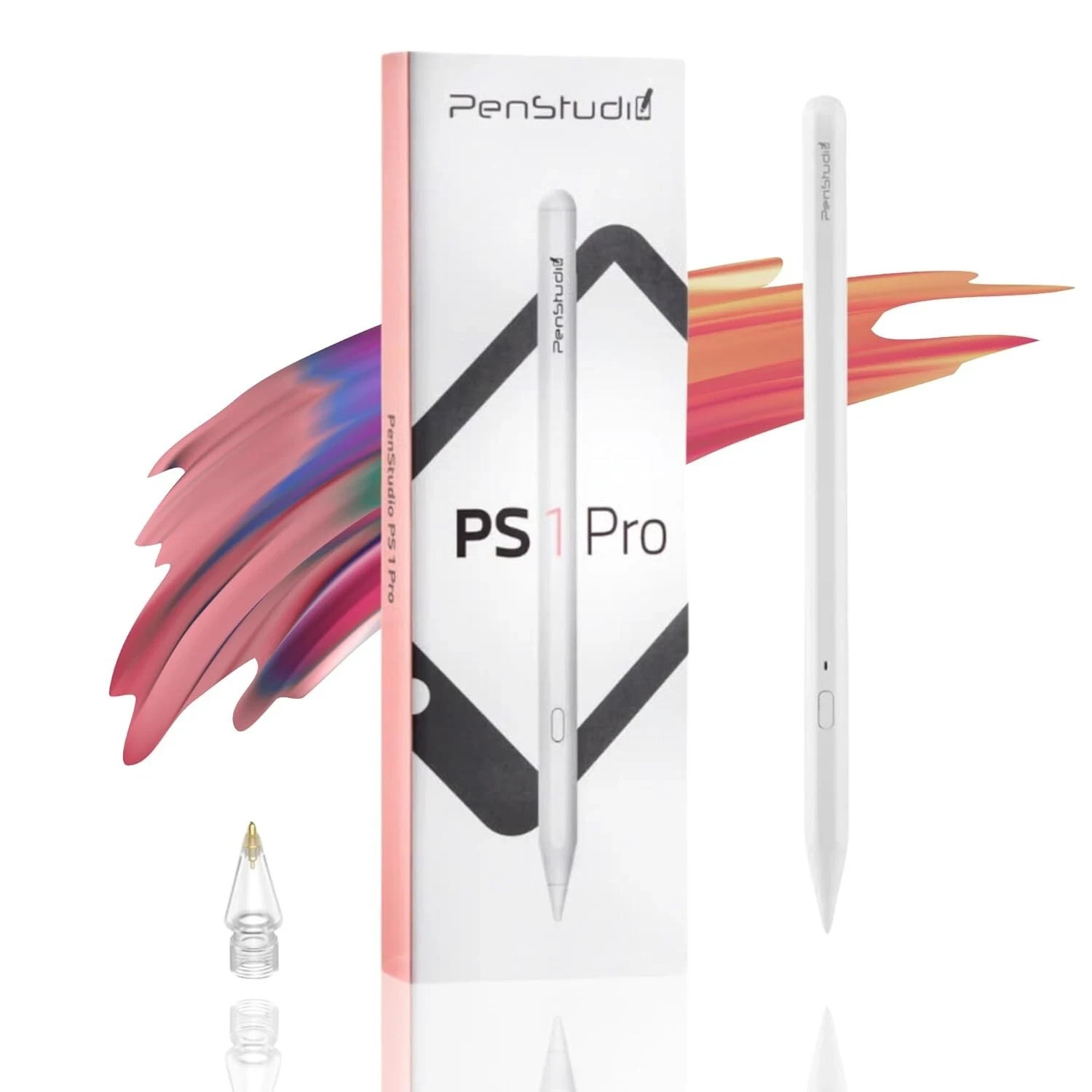
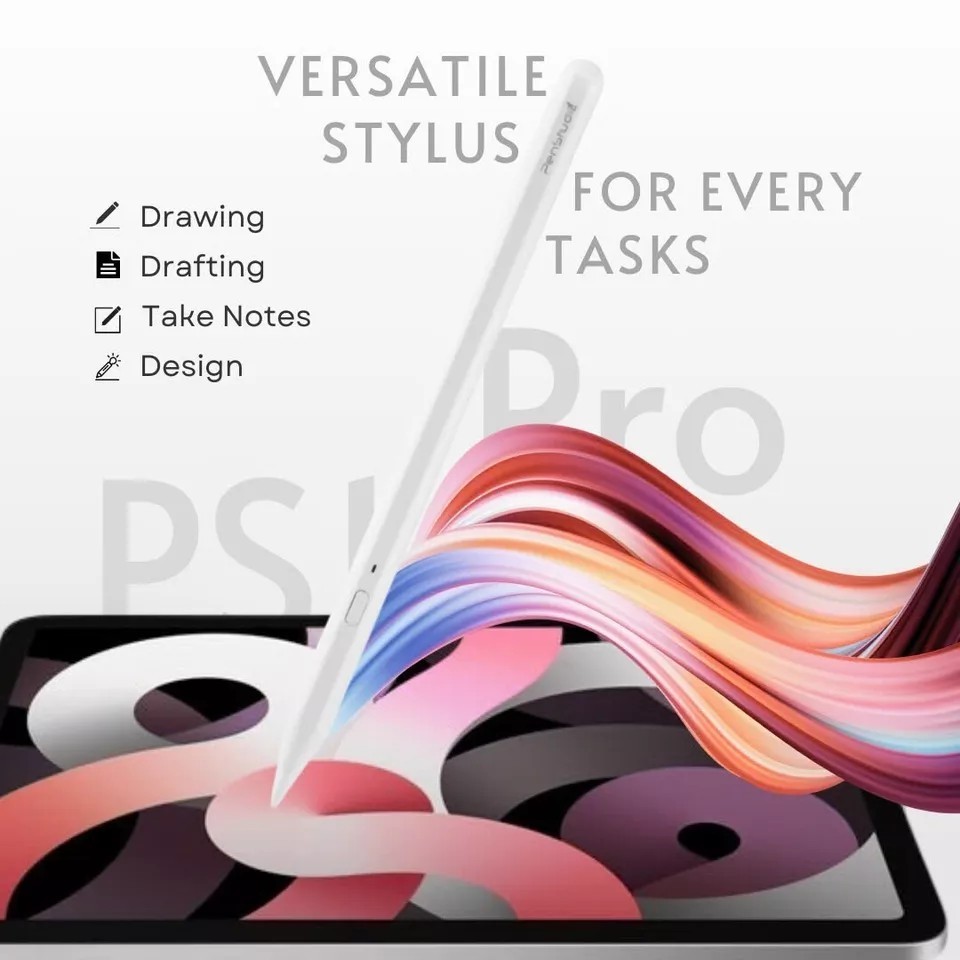
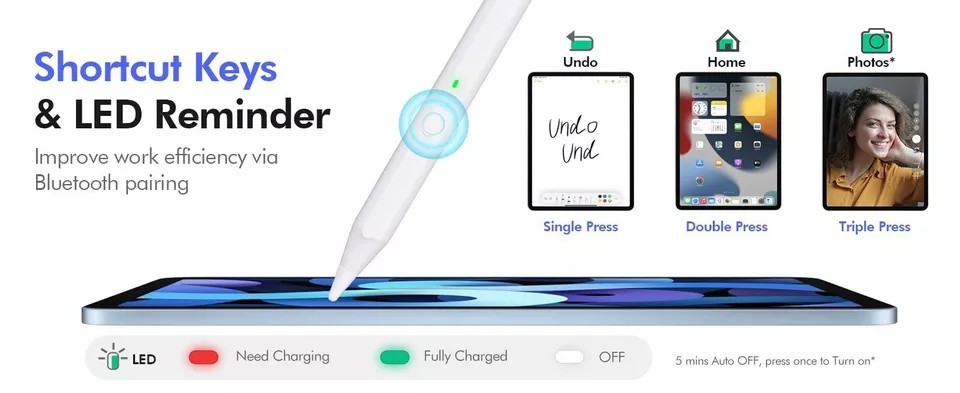
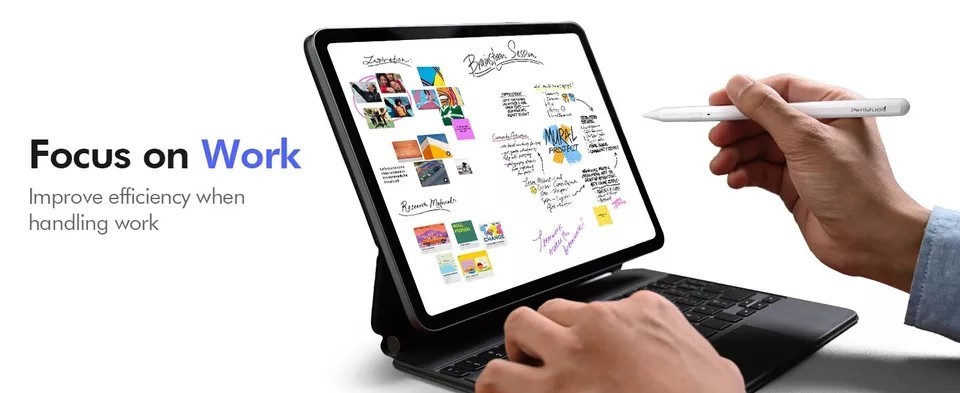
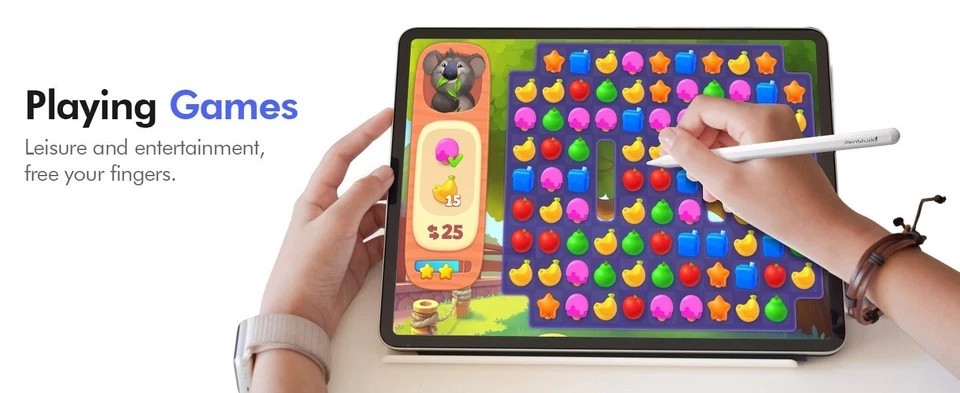
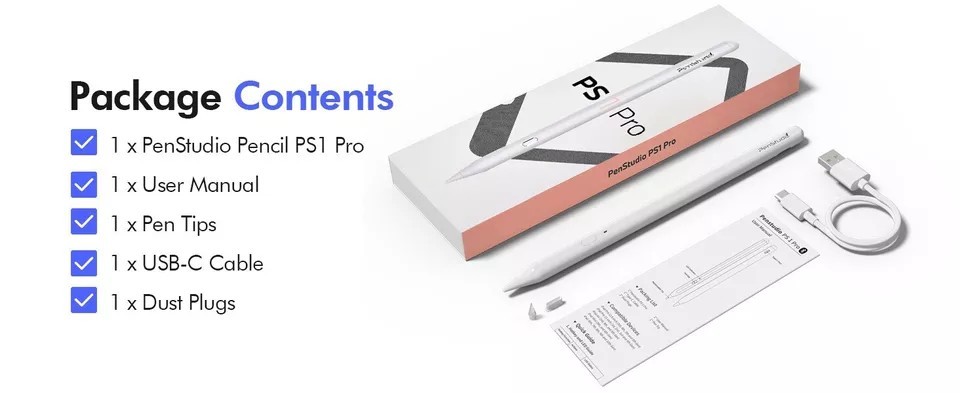
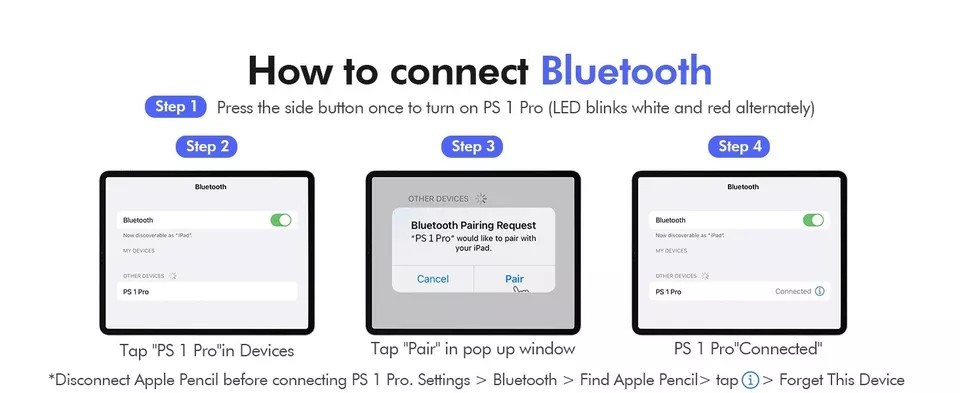
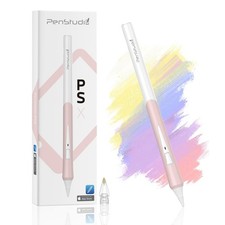
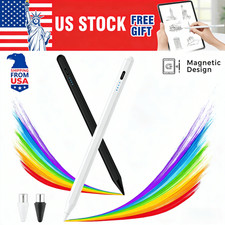
This PS1 Pro iPad pencil stylus is listed as new and designed for use with iPad, iPad Air, iPad mini, and iPad Pro. It highlights multi-shortcut controls for quicker access to supported functions while writing or navigating on your device. Compatibility may vary by iPad model and iOS version, so check the listing for details. Price is $23.99 USD, and it ships with free shipping. Check the listing for details on what is included in the box, pairing/charging method, and any warranty or return terms.





| Location | Kwun Tong HK |
| Shipping | Free shipping (check listing for details) |
| Seller |
t_3778
0.0% positive
|
| Listing | FixedPrice · Active |
| Start time | 2025-07-31T02:25:15.000Z |
| Compatible Brand | For Apple |
| Brand | Penstudio |
| Type | Stylus |
| Unit Type | Unit |
| Color | White |
| Model | Penstudio PS1 Pro |
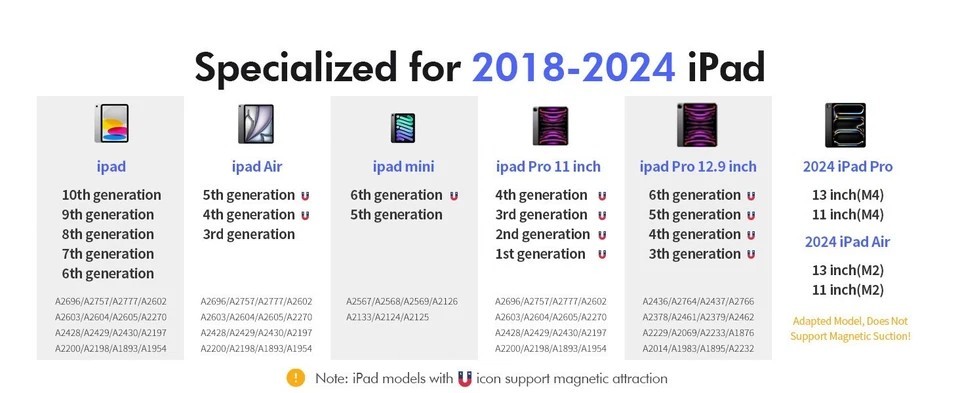
| Compatible Model | For Apple iPad (10th Generation), For Apple iPad (6th Generation), For Apple iPad (7th Generation), For Apple iPad (8th Generation), For Apple iPad (9th Generation), For Apple iPad Air (3rd Generation), For Apple iPad Air (4th Generation), For Apple iPad Air (5th Generation), For Apple iPad mini (5th Generation), For Apple iPad mini (6th Generation), For Apple iPad Pro (3rd Generation), For Apple iPad Pro (4th Generation), For Apple iPad Pro (5th Generation), For Apple iPad Pro (6th Generation), iPad Air 11 inch (M2), iPad Air 13 inch (M2), iPad Pro ( 7th generation) |
| Features | Magnetic, Fast Charging, Palm Rejection, Precision, Customizable Shortcut |
| Material | Rigid Plastic |
| Unit Quantity | 1 |
| Country/Region of Manufacture | Taiwan |
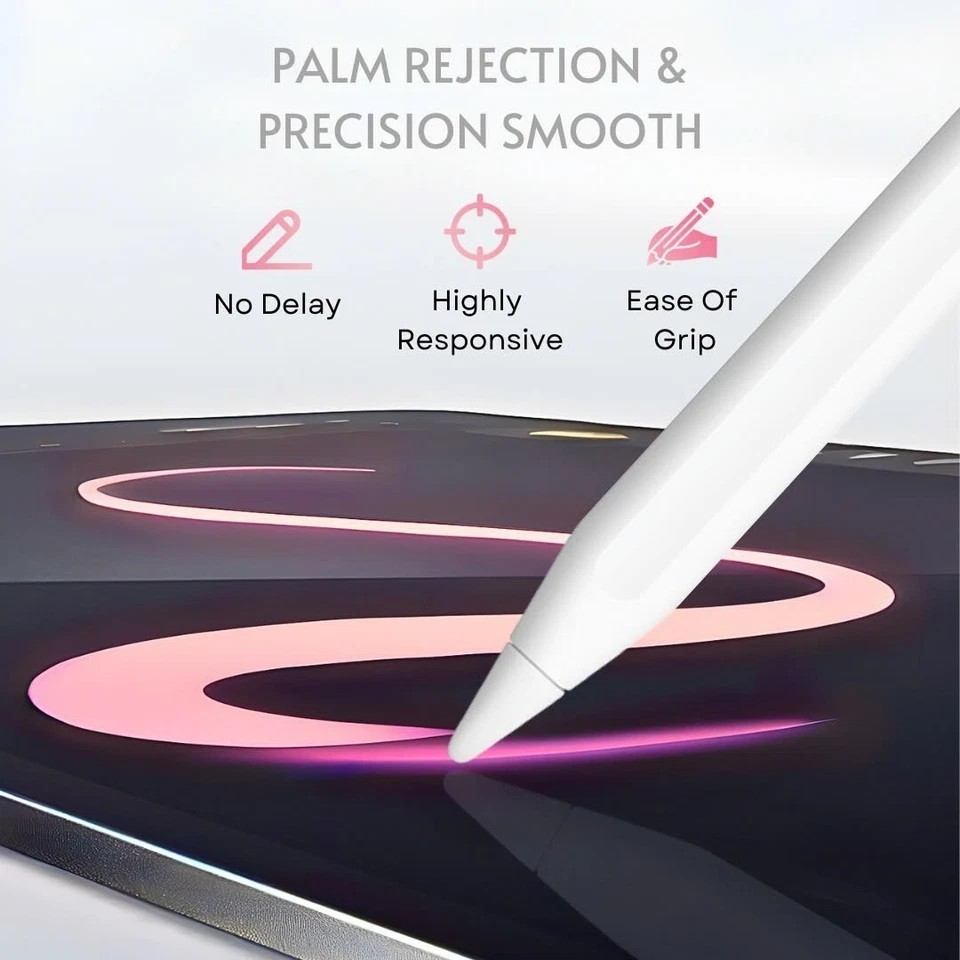
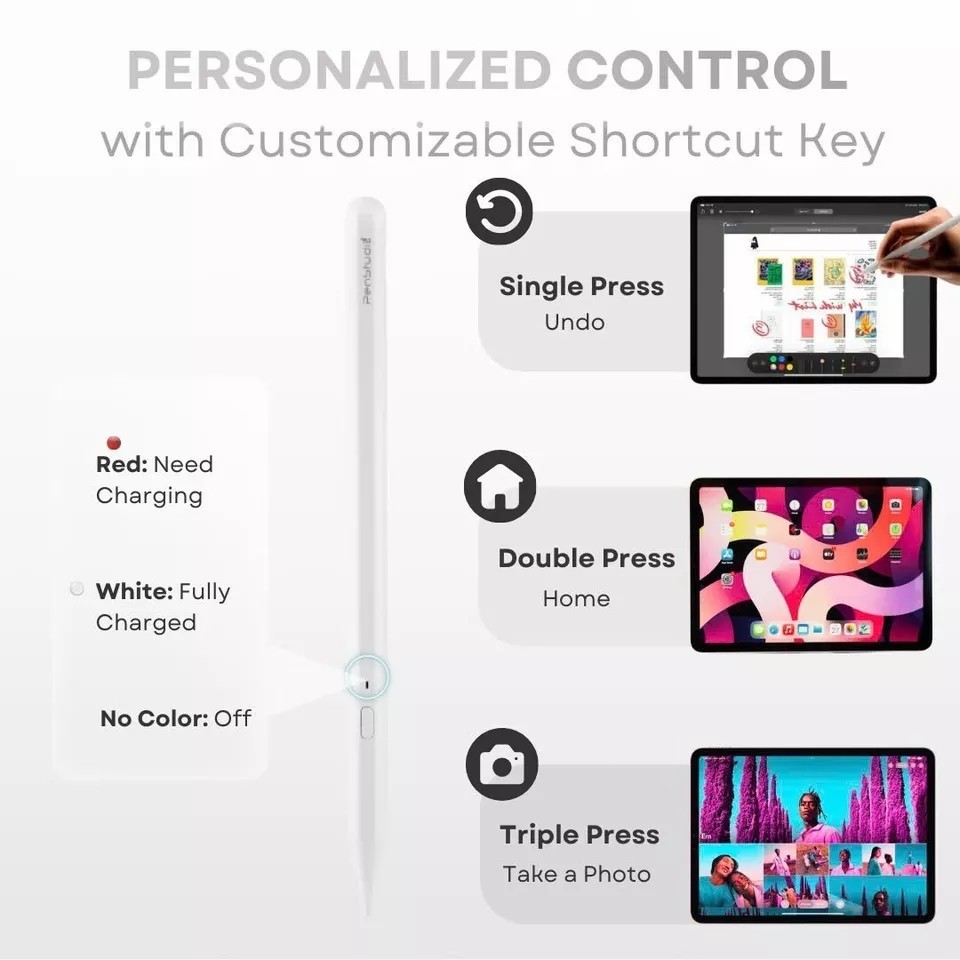
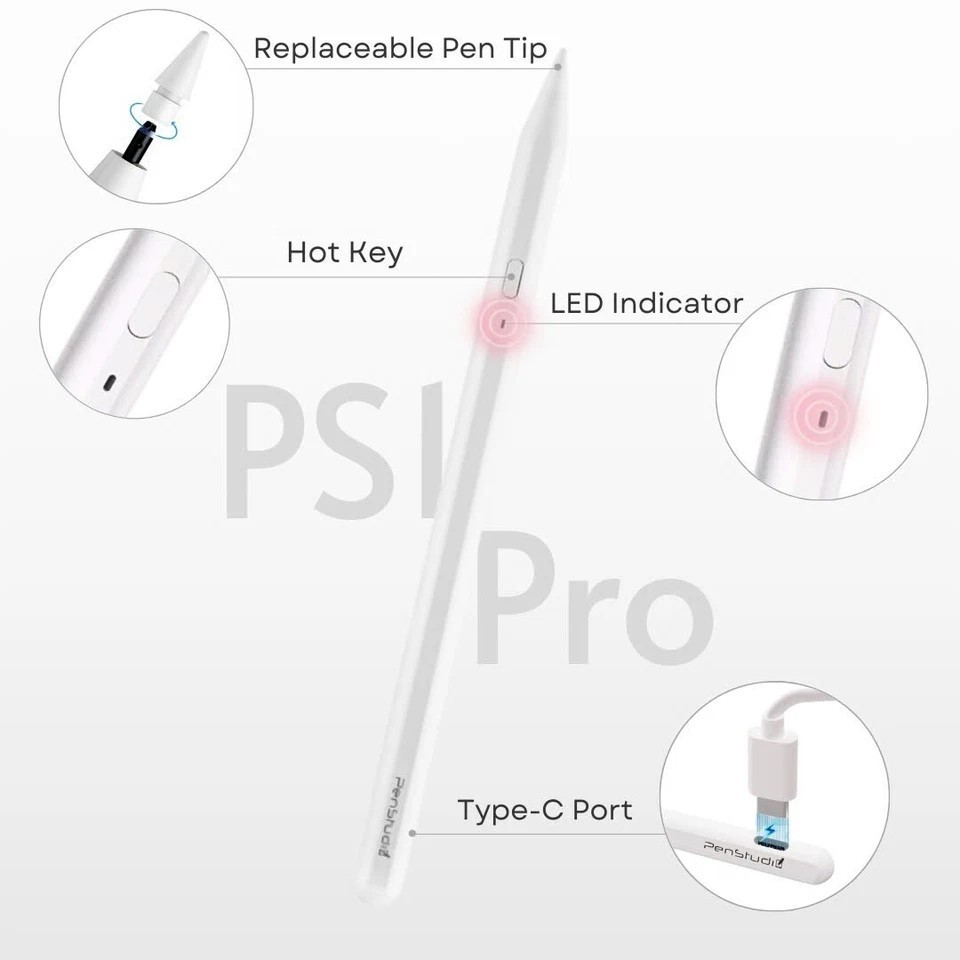
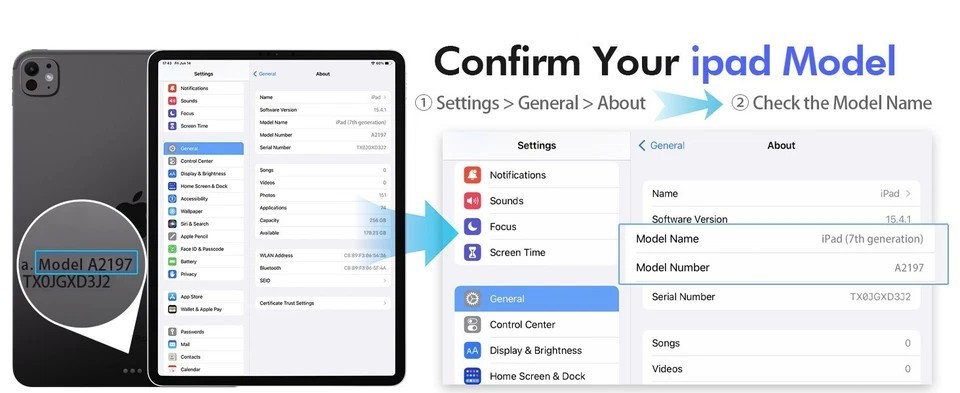
【2X FASTER CHARGE & INSTANT BATTERY INDICATOR】Penstudio's leading fast charge tech, and longer battery. With just 30 minutes of charging, you get 8 hours of battery life. Charge 4 mins = Work 100 mins. With an instant battery % widget on your iPad via Bluetooth connection, you can focus on your work or studies without worrying about running low on battery.【CUTTING-EDGE SIGNAL ADJUSTER FOR ALL TIPS】Supported by advanced algorithms of the P2 chip, PS1- Pro Stylus Pen for iPad delivers an exceptional 0.1mm pixel precision without any perceptible delay, guaranteeing accuracy and responsiveness across a wide range of tip options. You can swap between soft, basic and metal tips to customize your iPad drawing/writing experience while maintaining the precision and performance of the Penstudio PS1- Pro iPad Stylus. ❗ ❗ NOTE: Recommend tips that work with Apple Pencil 1st/2nd gen. They are compatible with Penstudio PS1- Pro too.【DOUBLE STRONG MAGNETS & PALM REJECTION】Writing on your iPad has never been easier with iPad stylus Pencil PS1- Pro. With palm rejection, you can write or draw without worrying about accidentally touching the screen with your hand. Plus, the strong magnets on the pen firmly attach to your iPad, making it easy to store and carry around with you.❗ ❗ NOTE: Wireless Charging is NOT Supported. NO Magnet Attach for iPad Pro M4, iPad Air M2, iPad Air 3rd Gen, iPad 6th/7th/8th/9th/10th Gen, iPad mini 5th.【CUSTOMIZABLE SIDE BUTTON FOR EFFICIENT WORKFLOW】 Penstudio PS1-Pro iPad Pencil‘s programmable button can be customized using the intuitive Penstudio App. You can assign personalized functions to the side button with single/double/triple presses, such as changing tool from highlighter to lasso, activating an eraser, or starting recording when in your lecture or accessing frequently used tools. PS1-Pro iPad Pen streamlines your creative process and boosts productivity! ❗ ❗ NOTE: Only available in General, and 4 Apps: Goodnotes, Notability, Paint and Procreate.【SPECIALIZED FOR 2018-2025 IPAD】 Please confirm your iPad's compatibility before purchase! Penstudio stylus Pencil PS1- Pro works for NEW! 2024 iPad Air 11-inch & 13-inch (M2), iPad Pro 11-inch (M4), iPad Pro 13-inch (M4), Apple iPad (10th. 9th, 8th, 7th, 6th generation); iPad Air (5th, 3rd, 4th Gen); iPad Pro 12.9" (6th, 5th, 4th, 3rd Gen); iPad Pro 11" (4th, 3rd, 2nd & 1st Gen); iPad mini (6th and 5th Gen). Method: Settings > Tap General > Tap About > Model name [iPad XX (X generation)].





![(2nd Generation) [2 in 1 Precision Series] Disc Stylus Pen for Touch Screen 2PCS](https://i.ebayimg.com/images/g/ygIAAeSwM1Nolcah/s-l225.jpg)
