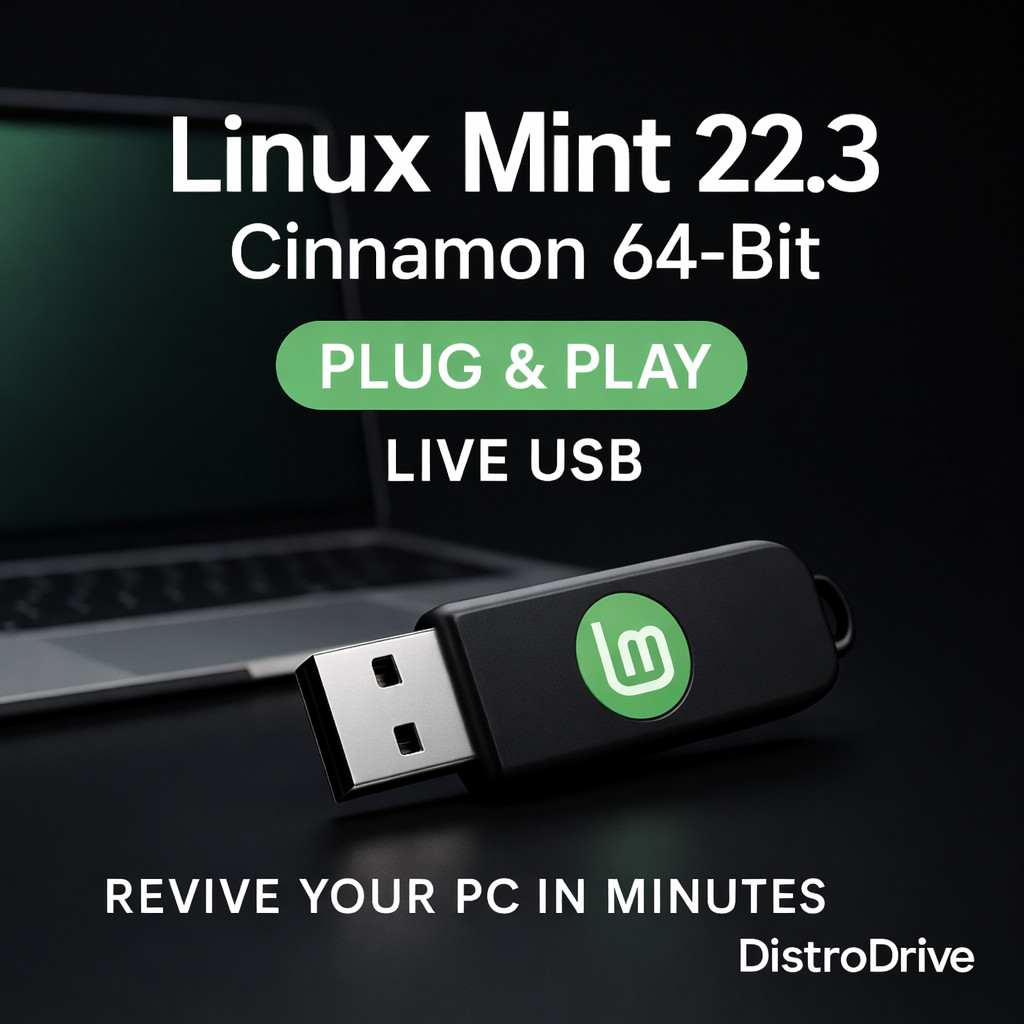
Linux Mint 22.3 Zena Cinnamon 64-Bit Bootable USB Flash Drive
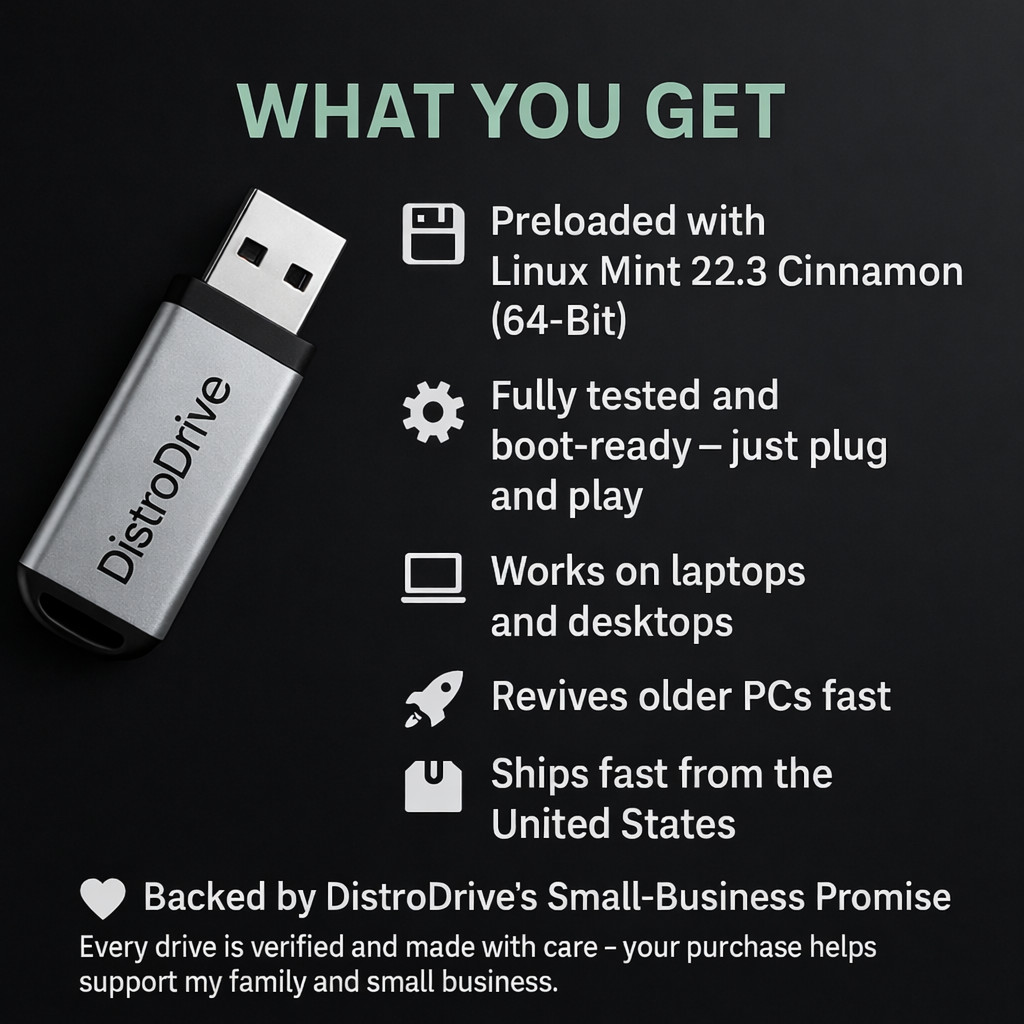
This brand new bootable USB flash drive is prepared with Linux Mint 22.3 Zena (64-bit) Cinnamon for running a live session or starting an installation, depending on your needs. It can be useful for testing compatibility, troubleshooting a PC, or setting up Linux on supported hardware. Free shipping is included with purchase. Check the listing for details on what’s included, any installation guidance, and USB capacity or formatting information.


| Location | Saint Louis US |
| Shipping | Free shipping (check listing for details) |
| Seller |
distrodrive
100.0% positive · 600 feedback
|
| Listing | FixedPrice · Active |
| Start time | 2026-01-29T21:28:52.000Z |
| License Category | Open Source / GPL |
| Minimum RAM | 2 GB |
| For Operating Systems | Linux, Linux Mint |
| Brand | DistroDrive |
| Type | Operating System |
| Format | USB Flash Drive / USB |
| Unit Type | Unit |
| Language | English, Multilingual |
| Minimum Hard Drive Space | 20 GB |
| Model | Linux Mint 22.3 |
| Minimum Processor Speed | 2 GHz |
| Number of Devices | Unlimited |
| Country of Origin | United States |
✅ Mobile Quick Info (Read This First) OS: Linux Mint 22.3 “Zena” (Cinnamon Desktop) Type: BOOTABLE USB Flash Drive (64-Bit) Use it two ways: Try Live (safe) or Install (optional) Installation technical support included Defective items will be taken care of — replacement or refund What You’re Buying You’re buying a ready-to-boot USB flash drive prepared by DistroDrive with Linux Mint 22.3 Zena (Cinnamon). ✅ You can: Boot into Live Mode (Try Linux Mint) to test it first Install only if you choose Nothing changes on your computer unless you choose Install. Who This Is For People who want a fast, clean computer again Windows 10 users who want a secure, modern option Beginners who want something easy to learn Everyday use: internet, email, documents, school, streaming Not For / Please Read Chromebooks (most do not support this normally) 32-bit computers (this is 64-bit only) Devices that cannot boot from USB If you must run Windows-only software (some alternatives exist, but not everything works) Why Linux Mint 22.3? Linux Mint 22.3 is a Long Term Support release supported until April 2029. It includes updated software and improvements to make the desktop smoother and easier. Highlights include: Cinnamon 6.6 improvements and polish Better keyboard/input handling and desktop refinements Updated file manager and system tools improvements System Requirements RAM: 2GB minimum (4GB recommended) Storage: 20GB minimum Display: 1024×768 minimum How To Check If You’re 64-Bit (Windows) Right-click Start Click System Look for System type → must say 64-bit Boot / Install Steps (Simple) Plug in the USB Restart your computer Tap your Boot Menu key right away (common: F12, F11, F10, Esc, Del) Choose the USB device (often shows as UEFI: USB) Select Try Linux Mint (recommended first) If you like it, click Install Linux Mint ✅ Nothing changes unless you install. Secure Boot note: Some computers require Secure Boot to be turned off in BIOS/UEFI to boot Linux. Tip: If a computer is picky, try a USB 2.0 port (or a USB 2.0 hub). What You Get 1× Bootable USB Flash Drive with Linux Mint 22.3 (64-Bit) Cinnamon Prepared and ready to boot (downloaded from official sources, written, and tested) Installation technical support included FAQ Q: Will this delete my files? A: No — Live Mode is safe. Installing is optional and clearly shown. Q: Can I try it first? A: Yes — choose Try Linux Mint when it boots. Q: Does this include Windows? A: No. Not a Microsoft product / No Windows key included. Shipping & Returns Fast shipping Changed-mind returns accepted (buyer pays return shipping) Defective items will be taken care of — replacement or refund Notes Linux Mint is trademarked; DistroDrive is not affiliated with or endorsed by the Linux Mint project. This listing is for the Business service + prepared media. The software itself is free open-source. Open Source / GNU Licensing (Linux Mint) Linux Mint is free, open-source software. You are not paying for the software itself — you are paying for the Business service of preparing, testing, and packaging a bootable USB, plus basic installation help. The Linux Mint project provides the software under open-source licenses. Official licenses/source/project information is available through the Linux Mint website and related project pages. DistroDrive’s role is: download → verify → write → test → pack → ship → support. linux mint 22.3 zena usb, linux mint cinnamon bootable usb, usb flash drive installer, live usb try before install, 64-bit linux usb, windows 10 alternative, install linux mint, cinnamon desktop


![WINDOWS SERVER 2022 RDS [REMOTE DESKTOP SERVICES] 50 USER CAL NEW SEALED](https://i.ebayimg.com/images/g/lJkAAeSwnBxpgutU/s-l225.jpg)