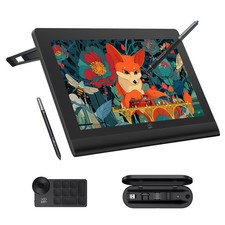
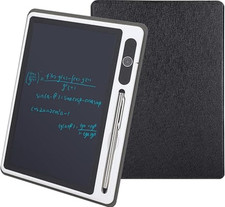
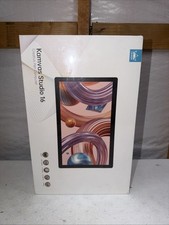
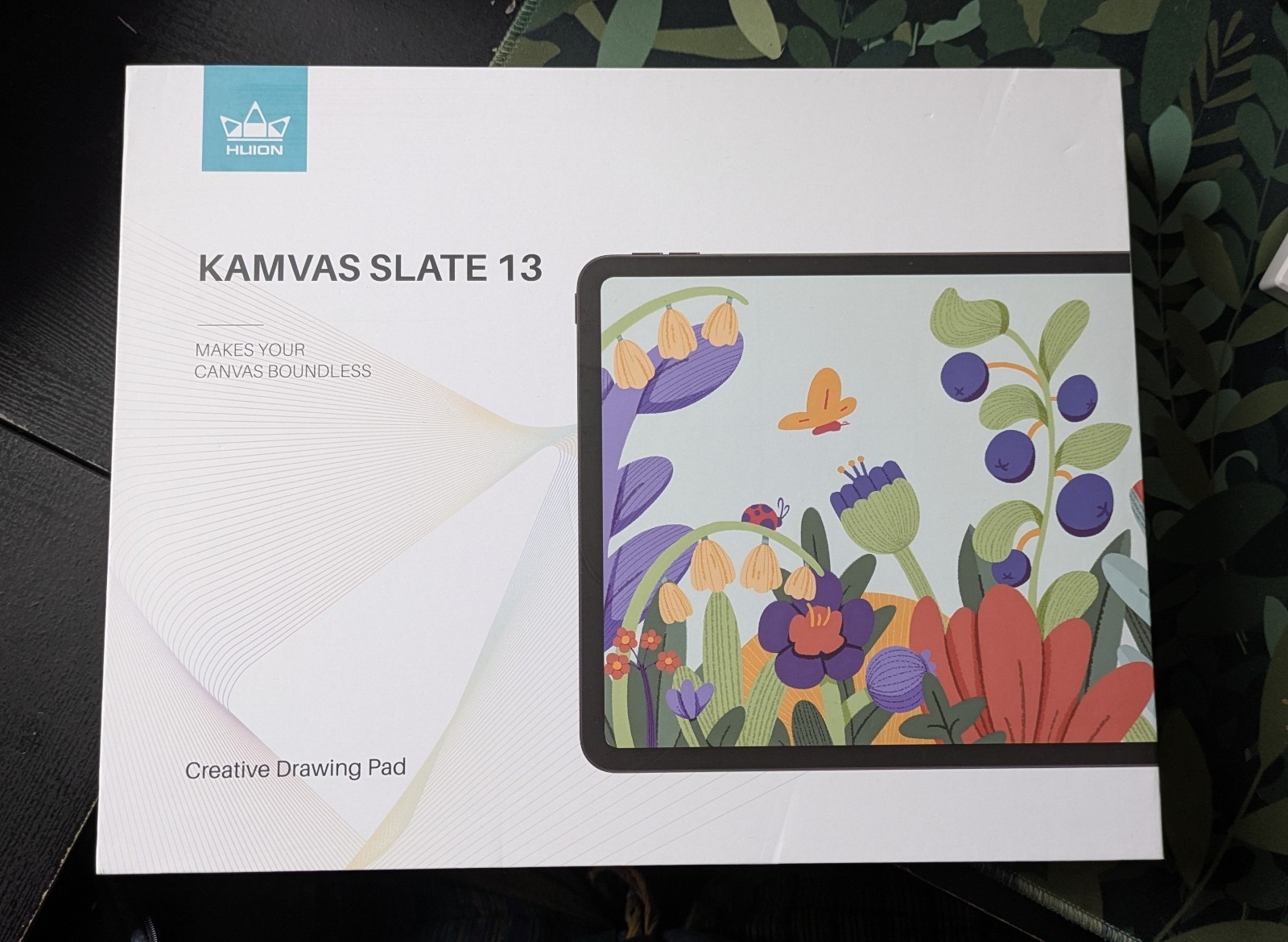
Huion Kamvas Slate 13 Graphics Tablet Drawing Pad for Artists
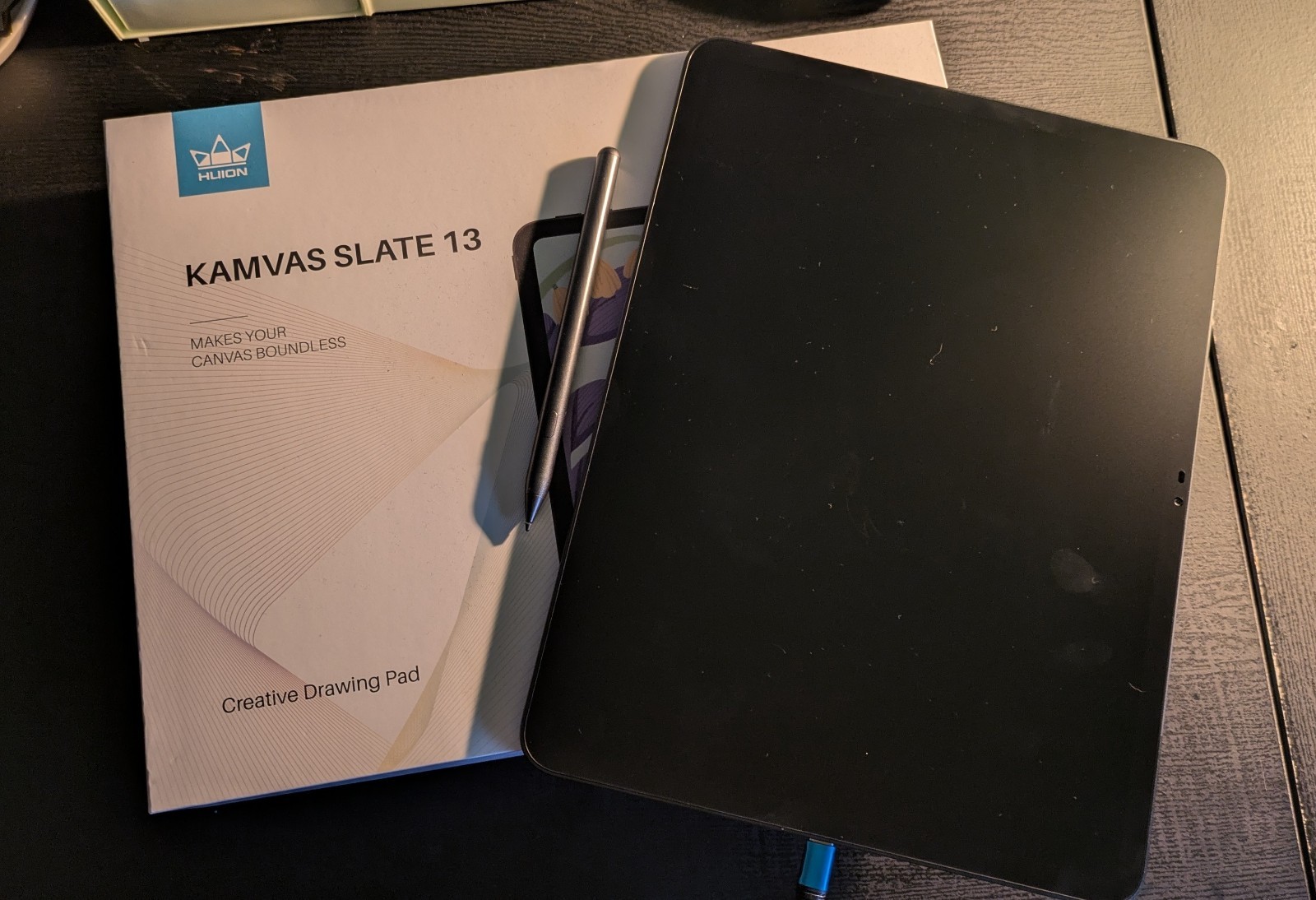
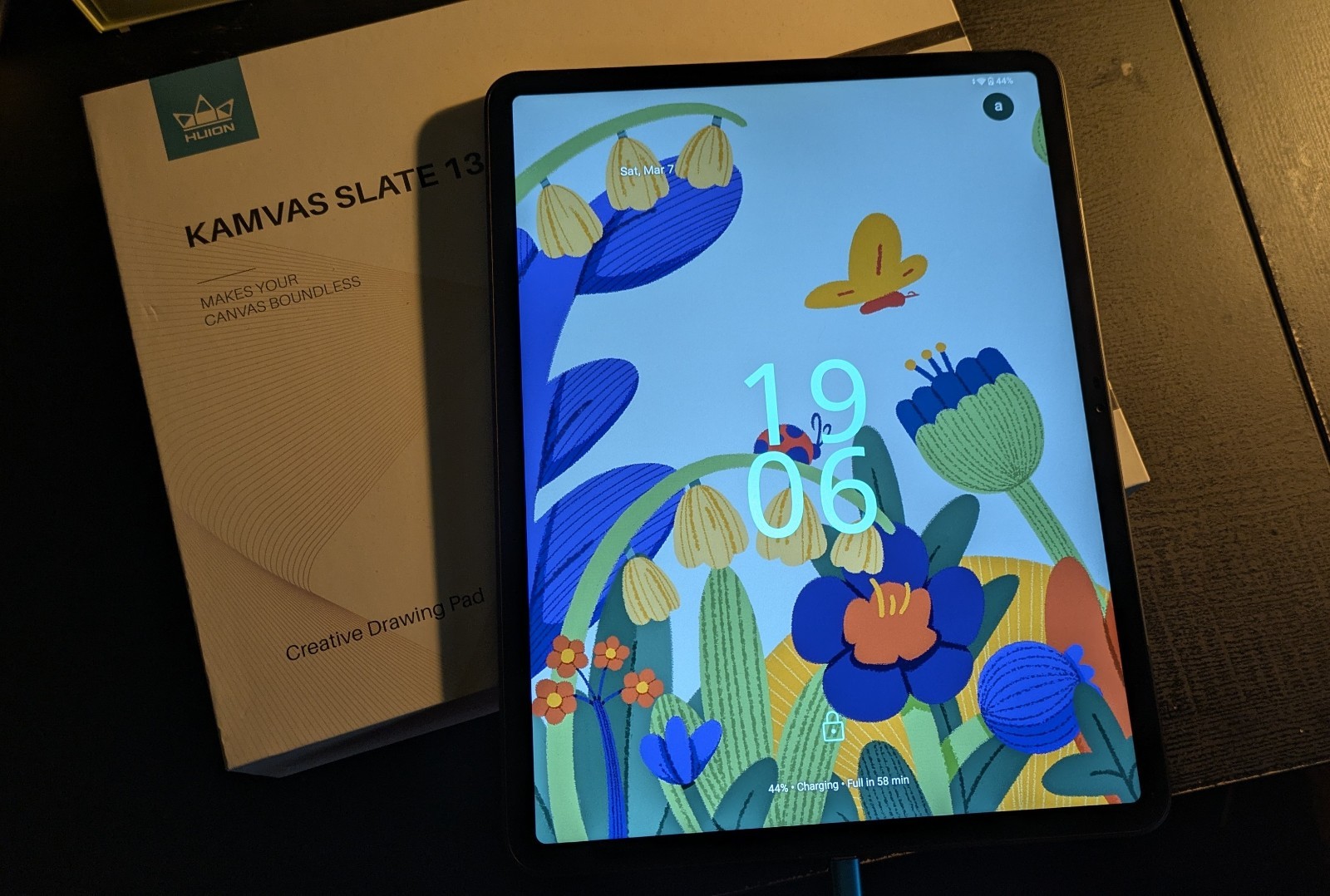
This Huion Kamvas Slate 13 graphics tablet drawing pad is offered in used condition. It is a practical option for artists who want a portable device for sketching, note-taking, and digital drawing. The listing does not provide detailed specifications or included accessories, so check the listing for details. Price shown is $155.00 USD, and it ships with free shipping. Review the photos and item description in the listing to confirm what is included, the cosmetic condition, and any signs of wear before purchase.
| Location | Hamilton US |
| Shipping | Free shipping (check listing for details) |
| Seller |
maladaptive_lemmy
0.0% positive
|
| Listing | FixedPrice · Active |
| Start time | 2026-03-08T00:46:16.000Z |
| Brand | Huion |
| Type | Graphics Tablet |
| Model | Kamvas Slate 13 |
| Connectivity | USB-C |
| MPN | Kamvas Slate 13 |
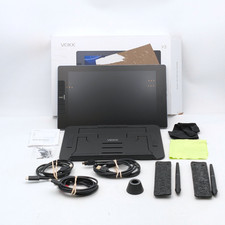
-Huion Kamvas Slate 13 Graphics Tablet-Android OS-Soft "paper-like" screen texture, for a traditional feeling-12.7 in-2176*1600 resolution-Works fine as a usual tablet, but maybe not for graphic design (see below)COMES WITH:-Tablet-Case-Pen-Glove-Extra pen nibs-USB-C charging cable-All original packagingMY ISSUES WITH PRODUCT:I had purchased this tablet around when it was first brought to stores for my graphic design projects, but for a product designed for artists, it's got some problems.First off, the glitches. This isn't a tech issue limited to me, after reading reviews I've noticed that this is a common problem amongst customers. When your pen is hovering the over the screen, the tablet registers that as the pen touching the surface, so you'll end up drawing everywhere because this tablet can't register when the pen is lifted off the screen. This glitch doesn't happen all of the time, but common enough to be very annoying, and I'm not sure if there's something I'm doing that's triggering it to happen.PROBLEM WITH THE PEN (and the tablet system itself):-There is no pen stabilizer settings nor pen settings at all from what I could find, I'm having to rely on drawing app's built in pen settings. The pen on it's own is quite shaky, but not unbearable, just annoying.MORE TABLET SYSTEM PROBLEMS:-This tablet is a new product, but seems unfinished. I noticed the colors of the tablet were way off compared to other screens (last thing an artist wants is inaccurate colors), so I searched through to find the tablet's
color options, and there aren't any, there's no way to adjust the system's colors. There's actually a toggle under a setting for colors that has no name/description and does nothing.TABLET IN GENERAL:-Honestly this tablet just kind of sucks for the purpose of drawing, but can be used as your standard tablet just fine, probably not system+intensive games, though.